
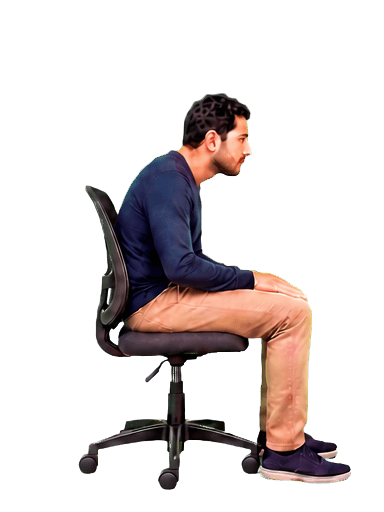
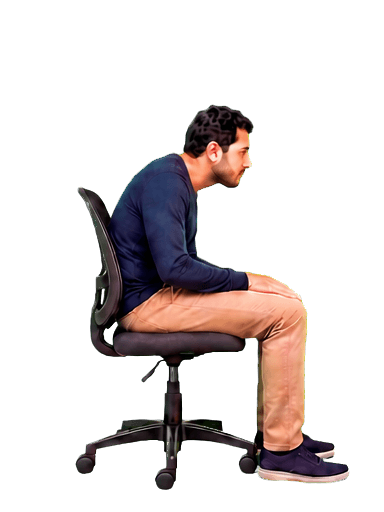
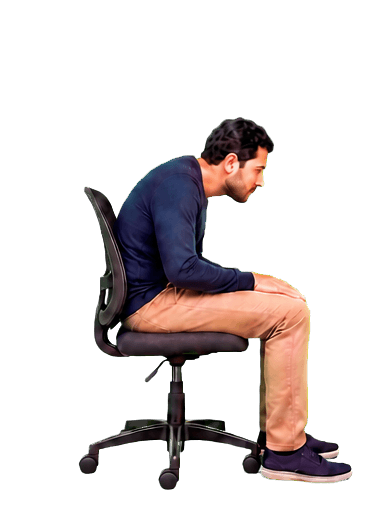


“It gently catches my posture drift before I lose my focus.”
— Ben
NeckHack is a desktop posture corrector app that uses your webcam and on-device AI to detect slouching. Your screen stays clear while you sit upright and gently blurs when your posture slips—no wearable required.
Mac Windows Linux
“It gently catches my posture drift before I lose my focus.”
— Ben
“The screen blur is accurate enough that it quickly became a habit.”
— David
“I use it all day. It helps me reset without feeling nagged.”
— Max
“My desk days feel better when I get those small posture reminders.”
— Lena
“It fits into my workflow instead of interrupting it.”
— Noah
“I notice slouching sooner, and I am sitting straighter more often.”
— Maya
“The feedback feels simple, calm, and surprisingly effective.”
— Oliver
“It is the first posture tool I have actually kept using.”
— Sofia
“The blur makes it obvious when I need to sit up again.”
— Ethan
“I feel less tense after long work sessions now.”
— Chloe
“It is quiet in the background until the exact moment I need it.”
— Leo
“A quick correction keeps my afternoon posture from slipping.”
— Amelia
“The response is consistent, so I trust the cue when it appears.”
— Jack
“It helps me feel more aware without adding another gadget to my desk.”
— Ella
“I am getting better at resetting my posture before it gets uncomfortable.”
— Henry
“The little visual cue is enough to keep me on track.”
— Grace
“It is practical, accurate, and easy to leave running while I work.”
— Mason
“My shoulders feel better because I catch the slump much earlier.”
— Isla
“It makes healthy sitting feel automatic instead of another task.”
— Lucas
“I like that it gives me a useful nudge and then gets out of the way.”
— Zoe
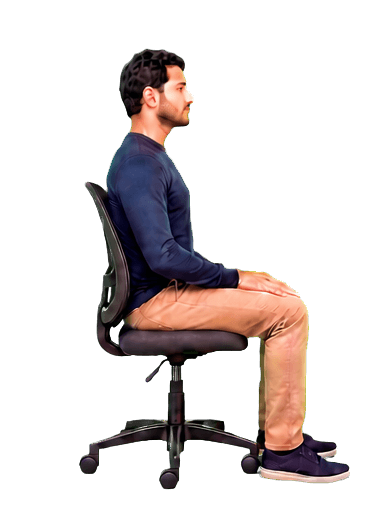
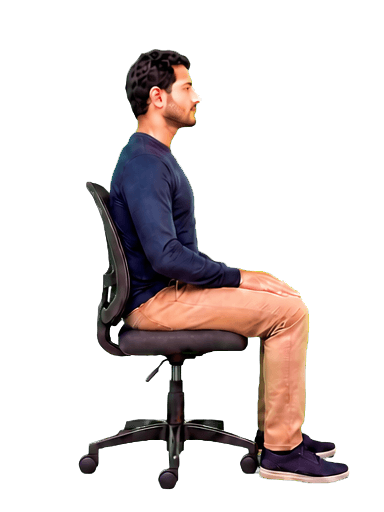
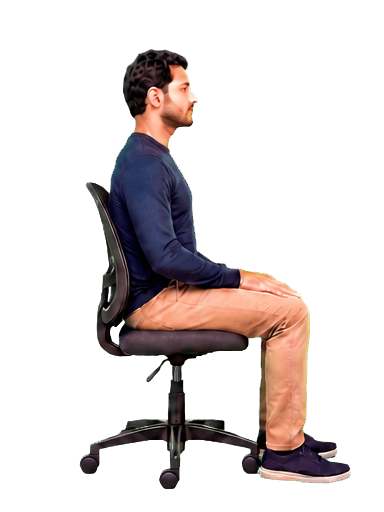
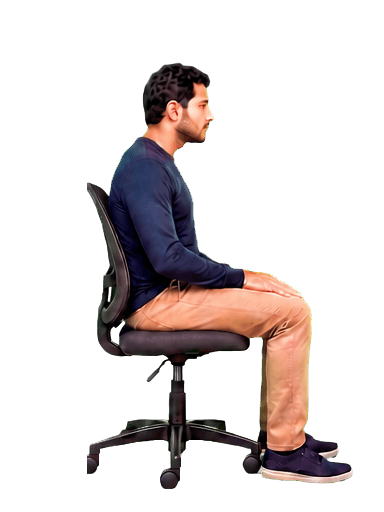
Settle into a healthy, upright position and complete the five-second calibration.
NeckHack stays invisible while you are sitting in a healthy, upright position.
NeckHack automatically blurs your screen when you start slouching and clears it as soon as you return to a healthy position, helping you maintain healthier posture throughout the day.
Your webcam stays on your computer.
NeckHack analyzes your posture on-device. Your camera feed is never uploaded, stored, or shared.
On-device processing
All posture analysis happens directly on your computer. Your webcam feed is never sent to NeckHack or anyone else.
No connection? No problem. NeckHack can keep monitoring your posture locally while you work offline.
Camera frames are analyzed in the moment and immediately discarded. No photos, videos, or recordings are saved.
NeckHack keeps useful posture numbers—like upright time, streaks, and trends—not footage or images from your camera.
The short answer
A posture corrector is a tool that provides support or feedback when your position changes. A brace does this physically. A wearable may vibrate. NeckHack uses the computer screen itself as the feedback mechanism.
NeckHack does not force your body into position. It helps you notice posture drift during desk work, so you can choose to reset yourself. That makes it a digital posture corrector for people who spend much of the day in front of a computer.
Want posture feedback without wearing a brace? Calibrate NeckHack in five seconds and let your screen provide the cue.
Try it for freeThe best format depends on where you want feedback and what you are willing to wear.
NeckHack is built for one specific context: noticing slouching while you work at a computer.
| Type | How it works | May suit | Main trade-off |
|---|---|---|---|
| Posture brace | Straps or fabric apply physical support around the upper body. | People who specifically want a device worn on the body. | Must be fitted and worn. |
| Wearable sensor | A sensor attached to the body vibrates when its angle changes. | People who want feedback both at and away from a desk. | Requires separate hardware that must be worn, charged, and carried. |
| NeckHack app | On-device AI uses your webcam and blurs the screen when you slouch. | Desk workers who want feedback built into their existing workflow. | Works only when you are at the computer and visible to the camera. |
This comparison describes how the formats provide feedback; it is not medical advice or a claim that one type treats a health condition.
NeckHack turns the computer from the place where slouching happens into part of the feedback loop.
Use the camera already facing you instead of adding a brace, sensor, or adhesive device.
The cue appears inside the screen you are already looking at, then disappears after you reset.
NeckHack compares posture with your chosen baseline rather than relying on one fixed position for everyone.
Camera analysis happens on your device. Frames are processed in the moment instead of recorded or uploaded.
Turn the webcam already on your desk into real-time posture feedback—without adding another device to your routine.
Try it for freeResponsible posture guidance
Posture guidance is not one fixed pose held all day. OSHA advises changing working position regularly, making workstation adjustments, and taking periodic movement breaks. Hospital for Special Surgery also describes posture correctors as awareness tools rather than something to depend on permanently.
NeckHack is a posture-awareness tool, not medical advice or a substitute for professional care. Seek qualified medical advice for persistent pain, injury, numbness, weakness, or concerns about your posture.
Clear answers about digital posture correction, braces, camera privacy, supported computers, and when NeckHack may—or may not—fit your desk routine.
No brace to fit and no separate sensor to charge. Calibrate NeckHack and let your screen provide the cue.